 User Guide
Note Map (Link map, Tree map)
Note map is a visualization of connections between notes. This provides an insight into a structure ("web") of notes.
There are two types of note map:
- Link Map, which shows relations between notes.
- Note Map, which shows the hierarchical tree structure.
Accessing the note map#
The note map comes into multiple flavors:
- To access the note map for the current note:
- On the New Layout, the note map is available in the Connections tab in the Right Sidebar.
- On the old layout, the note map is a tab in the Ribbon.
- To display a full-screen note map, there is a dedicated note type with the same name.
- To view the global note map (of all the notes in the knowledge base), there is a dedicated Note map button in the Launch Bar.
Terminology and structure#
- Each note is represented as a node in the graph, with the title displayed underneath.
- When the map is zoomed out, the title can still be viewed by hovering over the node.
- The icon and color of the note are respected.
- The root node is the reference point for which the relations and hierarchical structure are displayed.
- When accessing the note map through the Ribbon or the Right Sidebar (new layout), the root node is the current note.
- When using a dedicated Note Map note, the root note can be either the parent note, the currently hoisted note or a specific note. See the note type documentation for more information.
Interaction#
- Nodes can be dragged around, but they will return to their original position once released.
- To have the notes remain in the same position as they were dragged, press the Fix nodes button. The position of the notes is not saved, so it will return to normal once you navigate to another note or restart the application.
- When hovering over a node, the adjacent relations and nodes are highlighted.
- The distance between nodes can be adjusted via the slider in the bottom-left. Similarly, this value is not saved.
- Archived Notes are generally ignored by the note map in order to reduce clutter. There is one exception: if the root note is also archived, then all archived notes are displayed too.
Link Map#
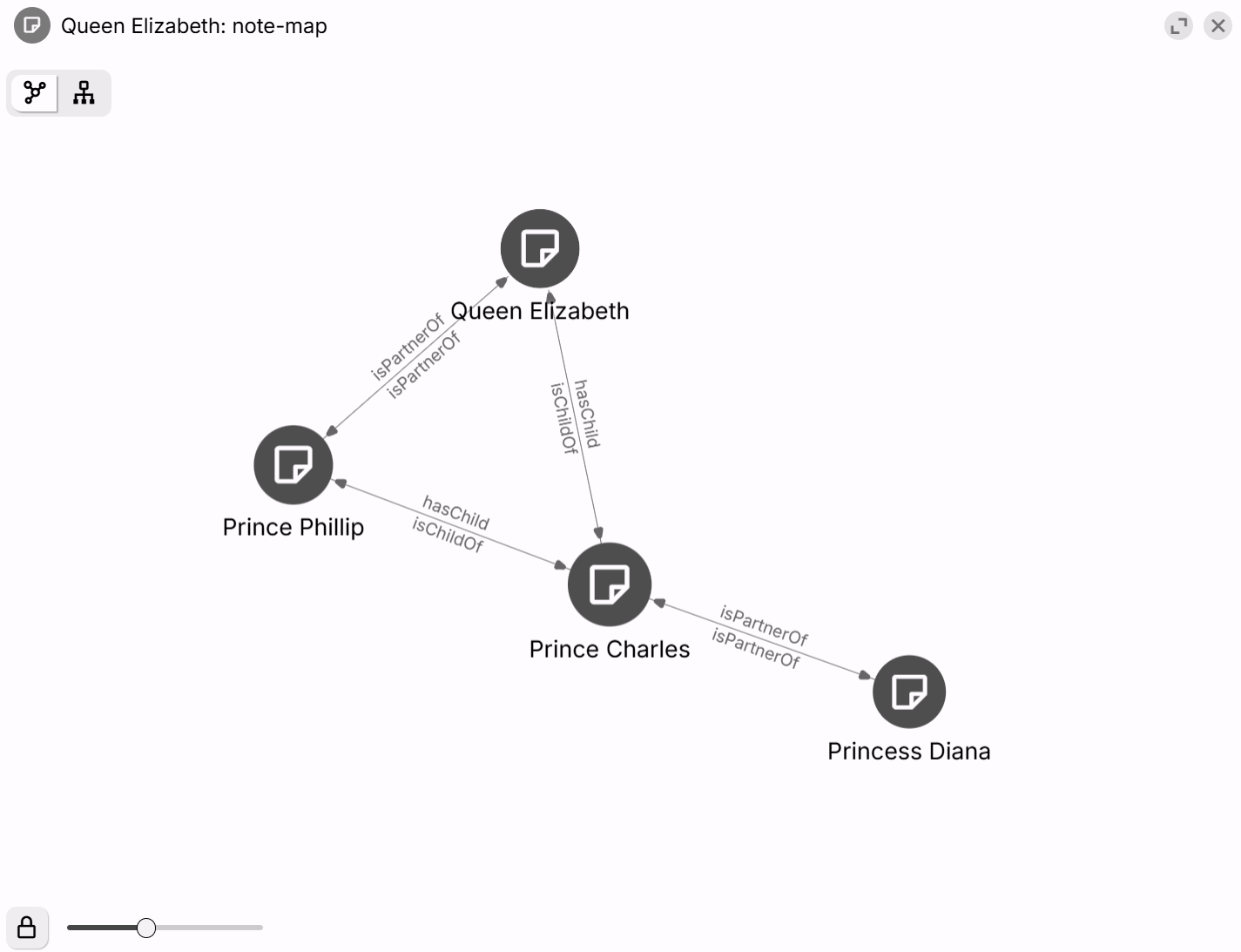
The link map is a visualization of links and Relations incoming to and outgoing from a particular note.
The map indicates the following types of relations:
- Internal (reference) links between notes.
- Relations
The link map will also show unlinked notes that are part of the hierarchy as a cloud of unconnected dots. On the New Layout, the sidebar deliberately omits this in order to save some space, but they will be revealed once the map is maximized.
Tree Map#
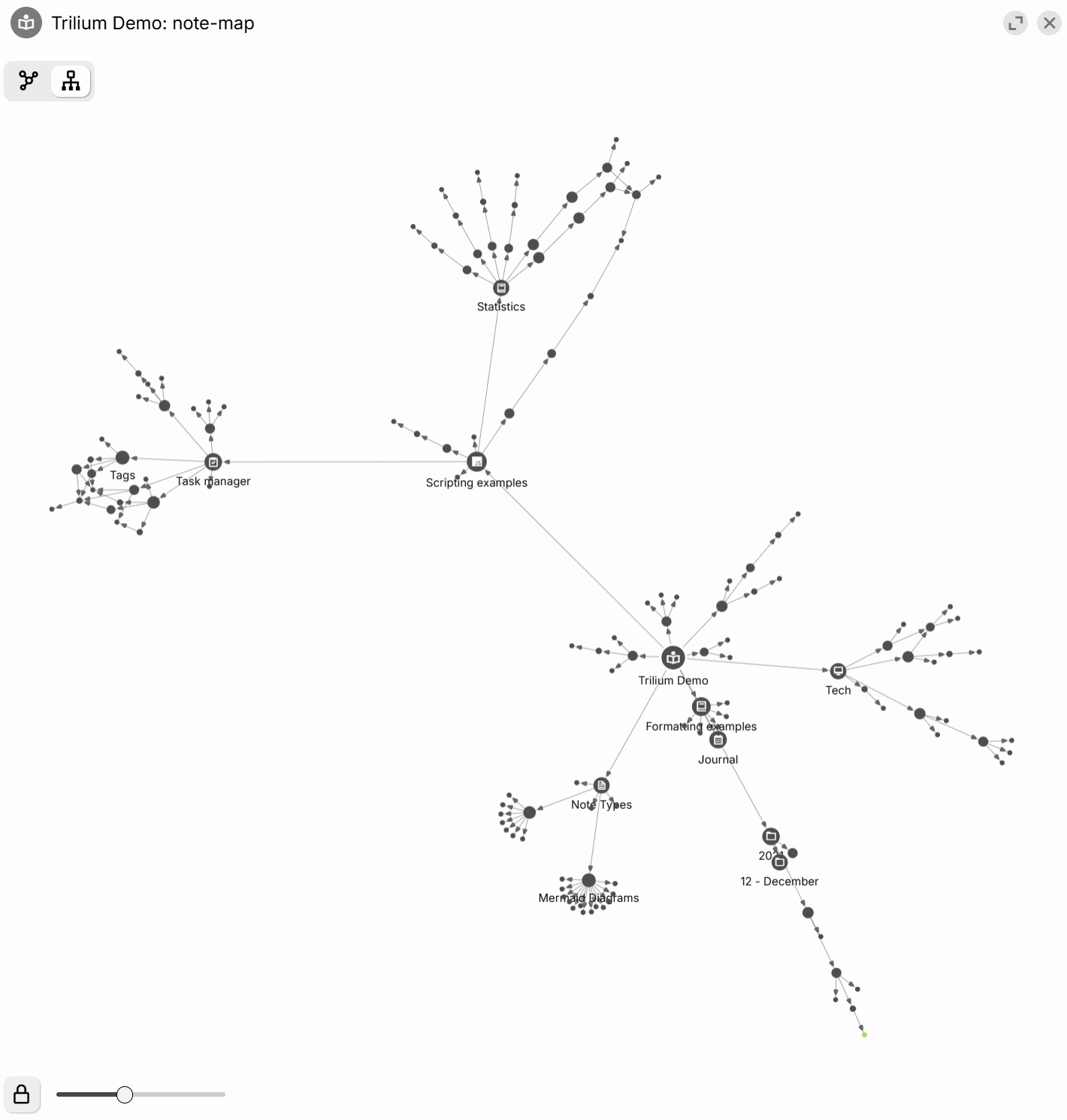
Shows hierarchical map of notes:
See also#
- Apart from the note map feature which can be accessed from any note, it is also possible to create a dedicated note which will display the relations in full screen. See Note Map for more information.
- Relation Map is a similar concept, with some differences:
- note map is automatically generated while relation map must be created manually
- relation map is a type of note while a link map is just virtual visualization